




How do you install Silumen Home?
1 - Download the Silumen Home app
- Download the Silumen Home app free of charge from the Apple Store or Google Play.
- Open the app once downloaded and sign up by tapping "Register".
- If you already have an account, simply enter your email and password and tap the "Log in" button.

2 - Accept the app permissions
- When you log in to the app for the first time, you will be asked to grant permissions.
- This step is needed to allow Wi-Fi and Bluetooth setup and control of devices connected to the local network.
- Silumen guarantees the security of your personal information.

3 - Start using Silumen Home!
- Tap "Add" or the "+" icon at the top right to search for and add your smart device.
- Make sure your smart device is flashing (pairing mode) and tap its name once it appears.
- Once you have added your smart device, you can configure it and give it a custom name.

Why choose Silumen Home?
A completely free app!
- Download the Silumen Home app free of charge from the Apple Store or Google Play, with no in-app purchases!
- Open the app once downloaded and sign up by tapping "Register".
- If you already have an account, simply enter your email and password and tap the "Log in" button.
Compatible with all our smart devices
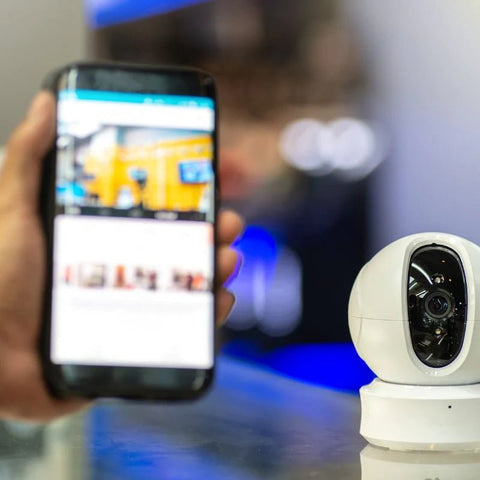
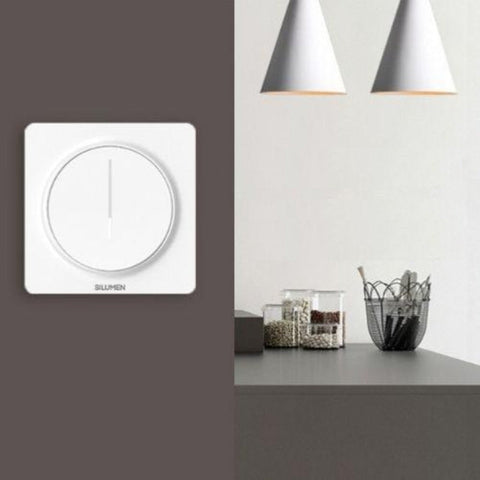
- All Silumen smart devices are compatible with our dedicated app.
- Control all your smart devices from the same app.
- Replace the Tuya app with our brand-new app, fully available in French.
How do you download and use Silumen Home?


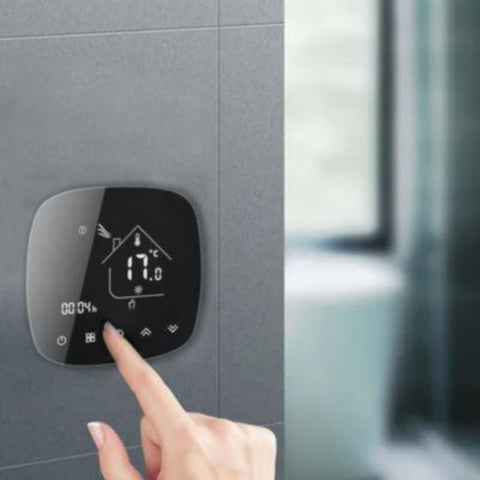
It is also an app for your heating
- Pair your radiators in 1 click
- Schedule the ideal temperature for each room
- See your energy supplier's EcoWatt or EcoGaz signal in real time
- Manage temperatures room by room
- Maximise your savings while you are away

Silumen Home features

Manage temperatures room by room.
Optimise your comfort by adjusting the temperature of each room individually, straight from your smartphone. Check the current temperature of your connected spaces instantly for precise, efficient heating management.

Schedule the ideal temperature for each room.
Plan your heating intelligently by creating custom day-by-day scenes, ensuring the optimal temperature for your actual needs and avoiding any unnecessary overheating.

Make the most of your time away to maximise your savings.
Whether you have to leave unexpectedly or go on holiday, the app offers complete flexibility. In a single click, set your radiator to the temperature you want, ensuring optimal energy efficiency while you are away.
Frequently asked questions
What should I do if I have problems with the Silumen Home app or my smart devices?
If you have any problems, you can contact our customer service by email at contact@silumen.com. We are here to help you solve any problem you may encounter.