


Remote Control for UFO Industrial High Bay 160lm/W with Motion Sensor

Remote Control for UFO Industrial High Bay 160lm/W with Motion Sensor

Ref. TL-LSUFO

Remote Control for UFO Industrial High Bay 160lm/W with Motion Sensor

Ref. TL-LSUFO
Regular price 12,89 €
/

Taxes included. Shipping costs calculated at checkout.
  • Out of stock, shipping soon
PRO+ Save with Silumen Pro+ : up to -20% + 6% cashback View benefits
  • Warranty up to2 years
  • Secure payment
  • Dedicated advisor Pro
Don't forget the accessories3
Product description

Intuitive adjustment of all lighting settings for optimal comfort

Precise customization of brightness and output power

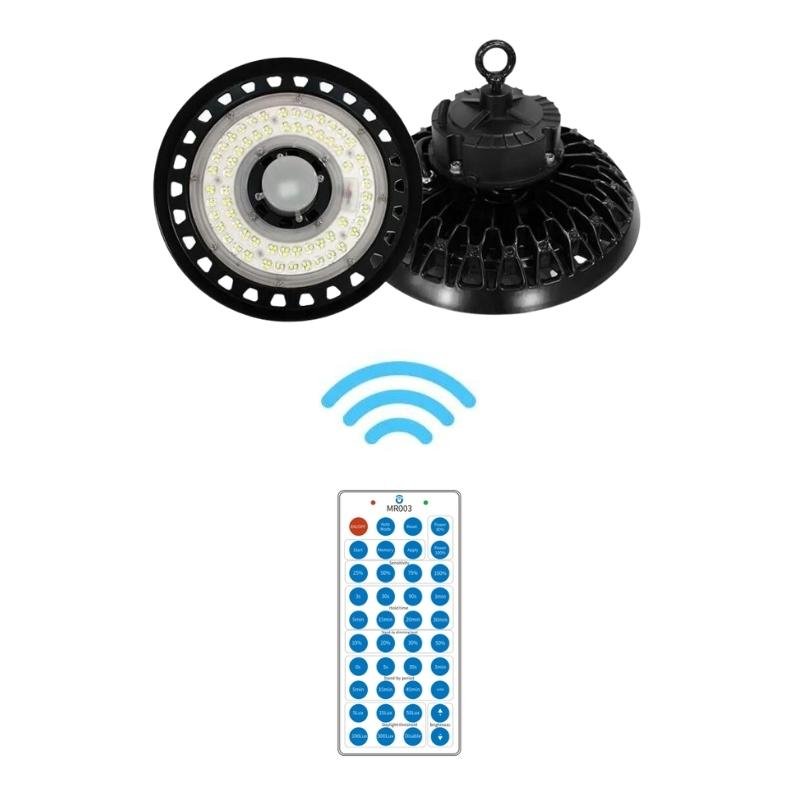
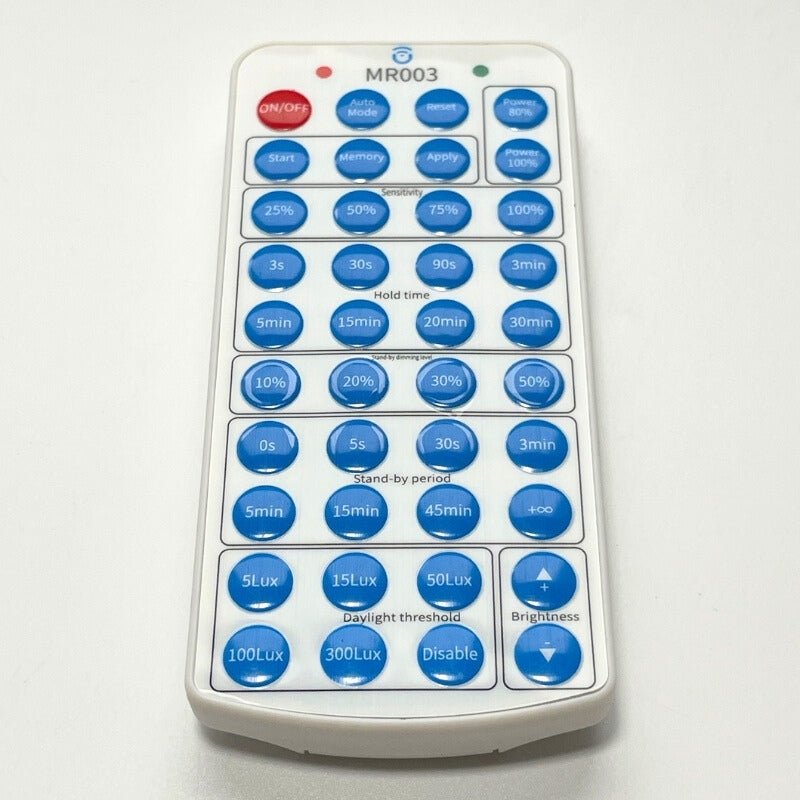
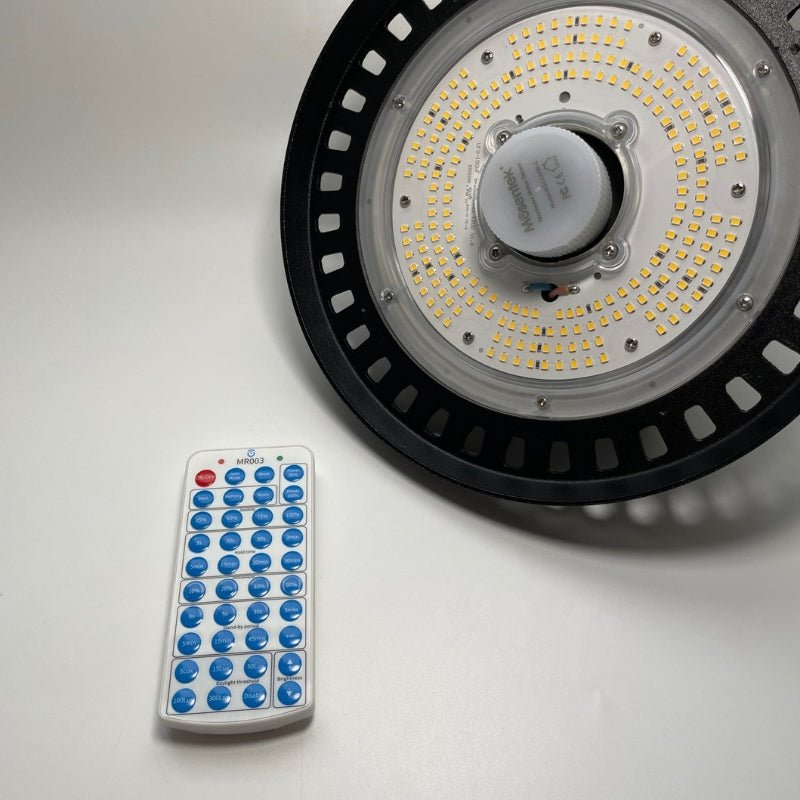
This convenient remote control makes it easy to precisely adjust the brightness and output power of UFO LED high bay lights to suit your preferences. This lets you perfectly adapt the light intensity to every time of day and every space. Whether you want soft lighting for a cozy atmosphere or bright light for working, anything is possible. The remote gives you complete control to achieve the ideal brightness for all your needs and optimal visual comfort.

Optimize lighting programs to suit every time of day

The remote lets you fully customize lighting programs to suit your activities throughout the day. Set continuous lighting, timer, dimming modes, and more as you like. For example, you can program soft lighting in the evening to help you relax and bright light in the morning to help you feel energized. The remote lets you create your own customized programs.

Smart settings that make your lighting a true everyday assistant

Custom adjustment of motion sensor sensitivity

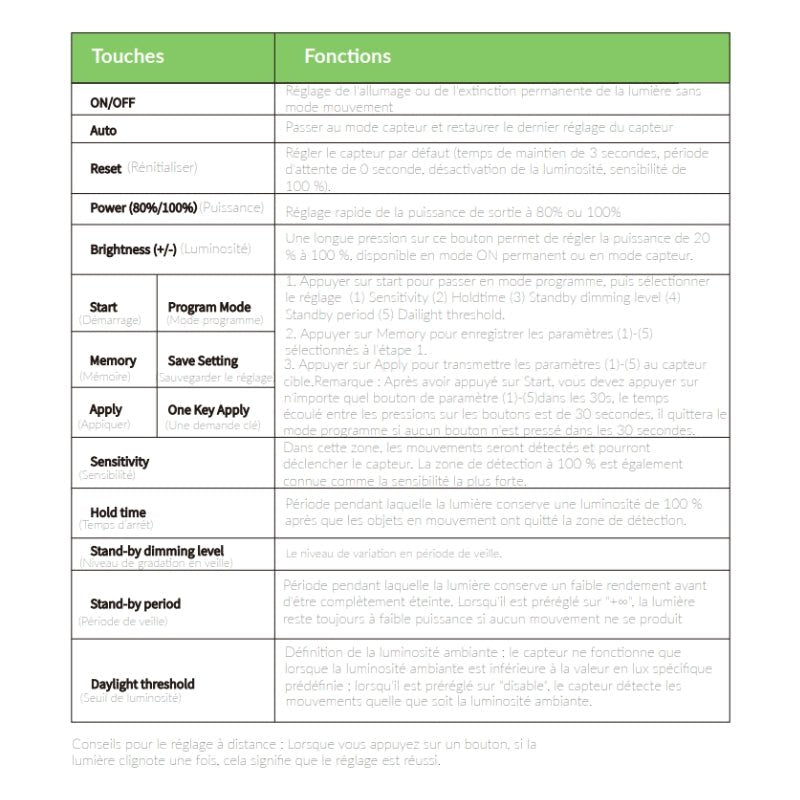
The remote also lets you precisely adjust the sensitivity of the motion sensor built into UFO LED high bay lights. This lets you set a detection zone that suits your space and adjust the sensor's range to match your movements. Your lighting will turn on automatically as soon as you enter the room, for greater comfort and safety.

Timer and brightness threshold functions for greater autonomy

For greater autonomy, the remote gives you access to advanced features such as a timer and a setting for the minimum ambient brightness threshold before the lights turn on. For example, you can set the lights to turn off automatically after a set period once the room is unoccupied. The brightness threshold also ensures the lights only turn on when it is dark enough. The remote gives you complete control over your lighting.

Technical specifications

Dimensions
Dimensions11,7 x 5,5 x 1 cm
Length11,7 cm
Width5,5 cm
Thickness1 cm
Installation
Ingress protectionIP20
Product
CertificationsCE & RoHs
Warranty2 ans

Downloads

Find all the technical documentation and the declaration of conformity for this product.

Technical documentation (1)

DatasheetSpecifications, dimensions and references FRENDEESPTITNL PDF Download · EN

Compliance (1)

Explore related categories3

Browse the ranges this product belongs to.

Questions & answers3

Our technical team answers our customers' questions.

Is this remote control compatible with all UFO high bay fittings in the range?

This remote control is exclusively compatible with the 160lm/W UFO LED high bay luminaires fitted with an integrated motion sensor. It does not work with any other industrial high bay models.

Answer from the Silumen technical team

What is the maximum range of the remote control?

The remote control operates at distances of up to 15 metres via a 433 MHz frequency, ensuring a stable and reliable signal in an industrial environment.

Answer from the Silumen technical team

Can the motion sensor sensitivity be adjusted using the remote control?

Yes, the remote control allows precise configuration of the sensor sensitivity, the hold time after detection, the dimming level in standby mode, the standby period, and the ambient light threshold that triggers the luminaire to switch on.

Answer from the Silumen technical team